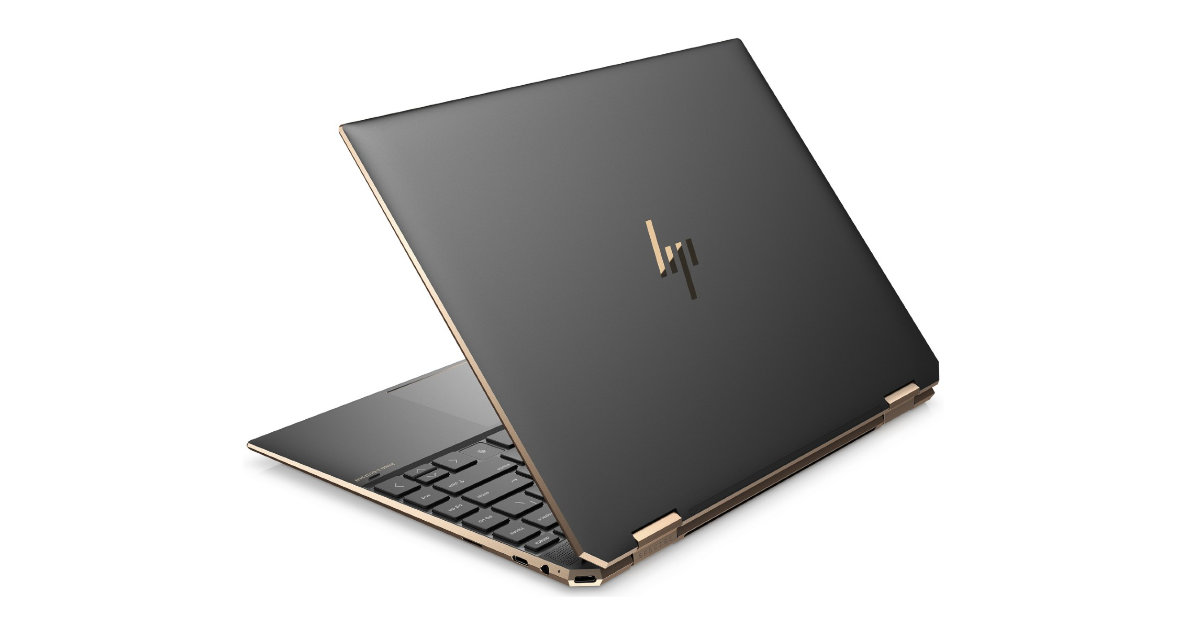
Recently I came across an unusual issue on an HP Spectre x360 14-ea0xxx laptop running Windows 11 Pro.
The user from a small business we support in Oxford relied heavily on Windows Virtual Desktops and suddenly started experiencing intermittent freezes whenever switching between desktops. Sometimes the desktop would become unresponsive for several seconds, and on other occasions File Explorer would crash and restart entirely.
At first glance, it looked like a Windows 11 bug. However, the root cause turned out to be something much simpler.
The Symptoms
The issue occurred when switching between virtual desktops using:
- Three-finger touchpad gestures
- Ctrl + Windows Key + Left/Right Arrow shortcuts
- Task View (Windows Key + Tab)
Because the problem occurred regardless of the switching method, it immediately ruled out a touchpad-specific fault.
When the problem occurred, Explorer would become unresponsive and Windows logged events similar to:
The program explorer.exe stopped interacting with Windows and was closed.
The laptop would recover after a few seconds when Explorer proccess would restart.
Initial Troubleshooting
Several common fixes were tested first:
- Disabled Windows animation effects
- Updated Windows fully
- Installed the latest BIOS update and any other updates using HP Support Assistant
- Tested virtual desktop switching using keyboard shortcuts instead of touchpad gestures
Unfortunately, none of these steps made any difference.
The Clue
While HP Support Assistant reported the system was fully up to date, I noticed that the laptop was using an older Intel Iris Xe graphics driver:
- Installed version: 31.0.101.5590
Since Virtual Desktop switching relies heavily on the Windows shell, Desktop Window Manager (DWM) and graphics subsystem, the graphics driver became the prime suspect.
The Fix
Instead of relying on HP’s driver catalogue, I ran Intel Driver & Support Assistant directly from Intel.
The tool detected a significantly newer graphics driver:
- Previous version: 31.0.101.5590
- New version: 32.0.101.7088
After installing the Intel driver and restarting the machine, the virtual desktop switching issue disappeared.
Repeated testing using:
- Three-finger gestures
- Keyboard shortcuts
- Task View
showed normal behaviour with no Explorer freezes or crashes.
Why This Happens
Windows Virtual Desktops might appear to be a simple productivity feature, but behind the scenes they rely on:
- Explorer.exe
- Task View
- Desktop Window Manager (DWM)
- GPU acceleration
- Windows shell components
When graphics drivers contain bugs or compatibility issues, the result can be shell freezes that look like a Windows problem even though the root cause sits in the graphics stack.
OEM support tools such as HP Support Assistant do not always offer the newest graphics drivers available from Intel.
Recommendation
If you are experiencing Explorer freezes or crashes when switching Windows 11 virtual desktops, especially on a laptop with Intel Iris Xe graphics:
- Check your current graphics driver version.
- Visit Intel Driver & Support Assistant and check whether a newer driver is available.
- Install the latest Intel graphics driver.
- Restart the device and test virtual desktop switching again.
Final Result
In this case, the issue was resolved by upgrading the Intel Iris Xe graphics driver from version 31.0.101.5590 to 32.0.101.7088.
If you support HP Spectre devices or other Intel Iris Xe-based laptops, keep this fix in mind when troubleshooting unexplained Explorer freezes during virtual desktop switching.