
I was recently importing our newest Oxford customer’s WordPress website to our web hosting system and hit a small issue while importing .sql database via phpMyAdmin. The import was failing with the following error:
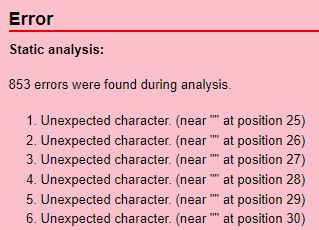
853 errors were found during analysis.
Unexpected character. (near “” at position 25)
The .sql database file was obtained from a Plesk web server backup. Opening the file in the Notepad++ text editor immediately made it obvious why the import was failing.
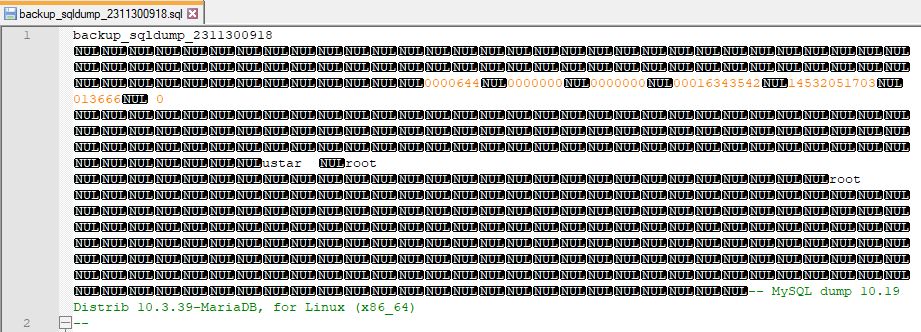
At the beginning and end of the file, there was a small section of some binary gibberish appearing as NUL inside Notepad++. Deleting these sections from the file resolved the issue.