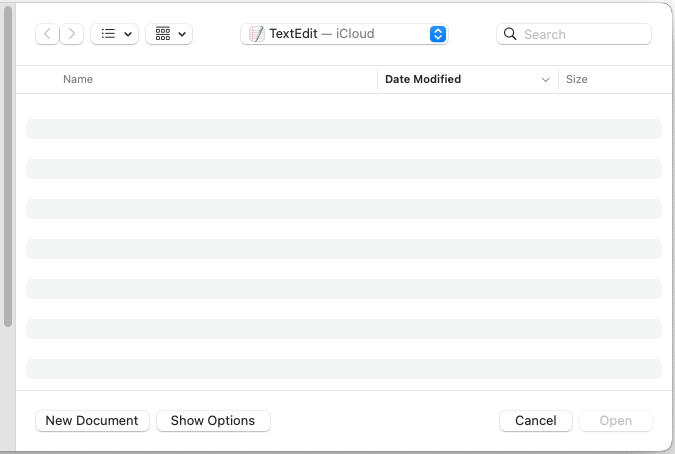
If you try to open TextEdit in any modern version of macOS, by default it will open a Finder File Picker asking you to choose where you want to save the document.
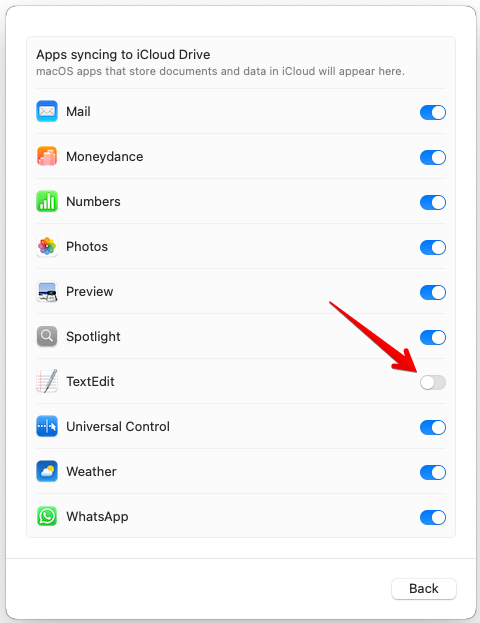
If you prefer it to open a blank document straight away, you need to disable iCloud Drive sync for TextEdit. To do this:
- Open System Settings and click on your profile picture in the top left.
- Click on iCloud > Drive > Apps syncing to iCloud Drive.
- Disable TextEdit.
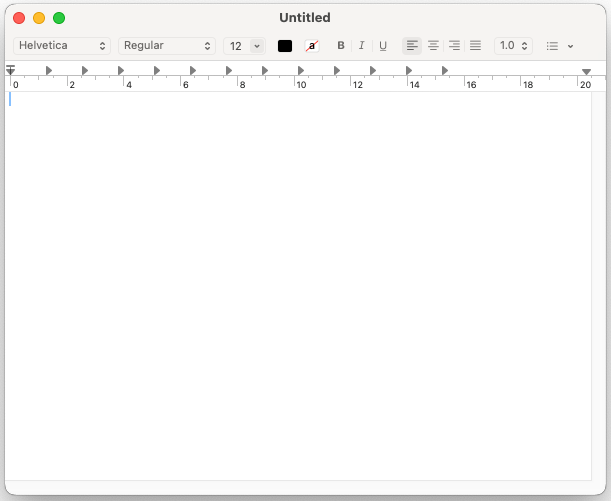
- Quit and re-open TextEdit and it should now immediately show a blank document window.
Oxford, Oxfordshire
January 2025
macOS 15.3 (Sequoia)