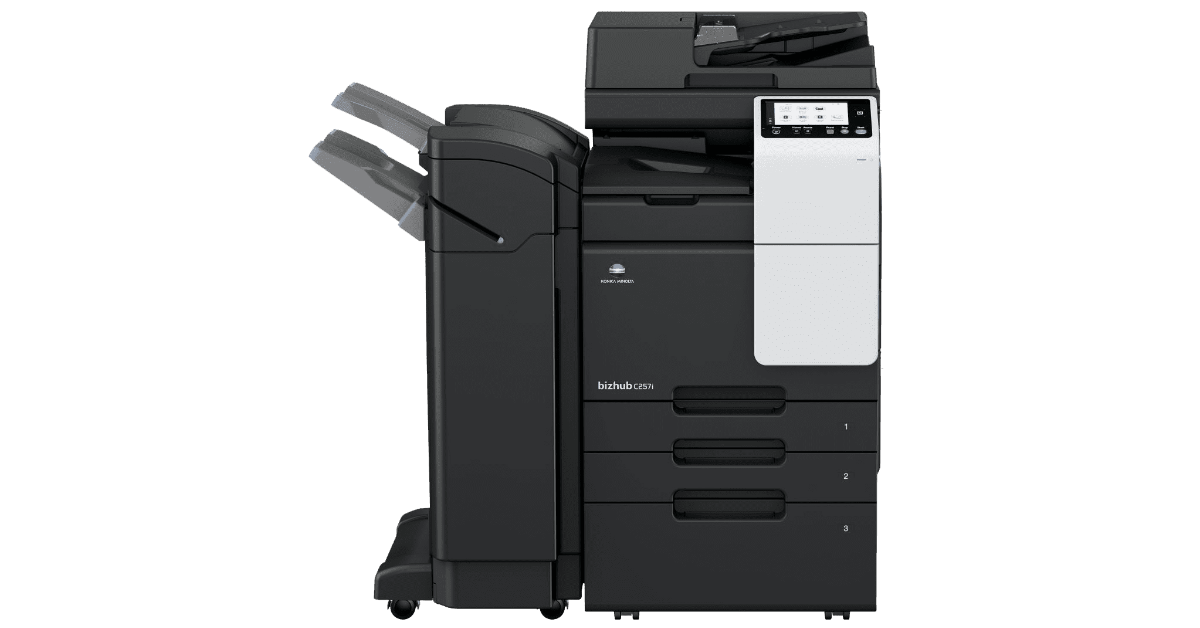
If your Develop ineo+ 360i (or the equivalent Konica Minolta bizhub C360i) has suddenly started showing an “Authentication failed” error when logging into Web Connection, and your scan to SMB folder has also stopped working at the same time — don’t panic. You may not need an engineer visit. Here’s what we encountered at a client site in Oxfordshire, and how it was resolved.
The Symptoms
Both issues appeared together without any obvious trigger:
- Scanning to an SMB share, which had been working reliably, suddenly failed.
- Web Connection (the browser-based admin interface) rejected the administrator password with “Authentication failed” error.
- No configuration changes had been made, and no firmware update was known to have run.
The Fix
Before going down any of the troubleshooting rabbit holes, we did the simplest thing first: a full power cycle — unplugging the machine from the mains, waiting 30 seconds, and powering it back on.
Both issues were resolved immediately.
Why Did This Work?
The Develop ineo+ 360i runs an embedded Linux-based operating system. Like any computer, it can develop memory or process issues after extended periods of uptime, particularly if there has been a brief network interruption or power fluctuation that didn’t fully reset the device. In this case, both the Web Connection authentication service and the SMB client process may have entered a hung state, which a reboot cleared.
Preventive Maintenance
MFPs like the ineo+ 360i benefit from a scheduled monthly reboot, just like any server or network device. It clears the accumulated memory state and reduces the risk of these silent failures.
Based in Oxfordshire or Buckinghamshire and having issues with your office photocopier, network printing, or scan-to-folder setup? AGGIA IT Services supports small businesses and SMEs across the region with hands-on IT support. Get in touch with us today.