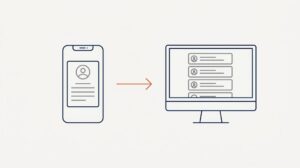
Normally, a user who joined a Windows 10 / 11 PC to Entra AD becomes a local administrator. Everyone else who logs in subsequently doesn’t get the admin rights.
Here is a quick way to make a user who previously logged on to a PC an administrator.
- Login as an administrator (can be a local or Azure AD account)
- Open the Command Prompt as administrator and run: net localgroup administrators AzureAD\UserName /add
You can find UserName by opening C:\Users and checking the user’s profile folder name.
October 2024
Oxford, Oxfordshire