
If you try to open Devices and Printers from the old Control Panel in Windows 11, you will be taken to the new Windows 11 Settings > Bluetooth & Devices page.
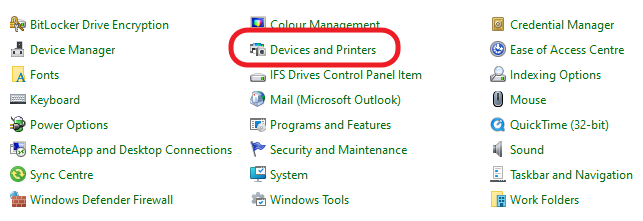
For now, you can still open the old “Devices and Printers” interface using one of the following workarounds.
- Open Control Panel, right-click on “Devices and Printers” and click Open.
- Open File Explorer or Control Panel and paste the following text into the address bar:
Control Panel\All Control Panel Items\Devices and Printers - Open the Run dialog and paste the following text:
shell:::{A8A91A66-3A7D-4424-8D24-04E180695C7A}
September 2024
Oxford, Oxfordshire



One Response
I HATE WINDOWS 11