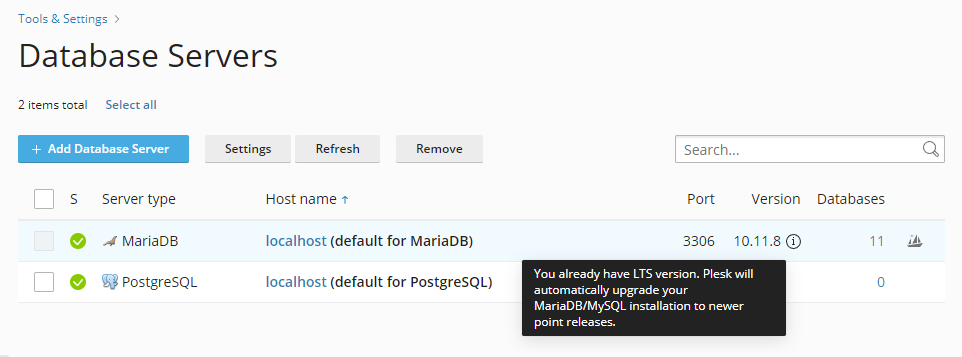
MariaDB can normally be updated via Plesk web admin > Tools and Settings > Database Servers. If you don’t see the option to upgrade it (or a message saying that you are already up to date), perform the following:
- On your web server, navigate to:
- /usr/local/psa/admin/conf (Linux)
- %plesk_dir%admin\conf (Windows)
- Open (or create if it doesn’t exist) file panel.ini
[databaseManagement]
features.canBeUpgraded = true - Refresh the Plesk web GUI and you should now see the option to upgrade.
June 2024
Oxford